YouTube users can disable Shorts videos by setting the feed limit to 0 minutes in time management settings.
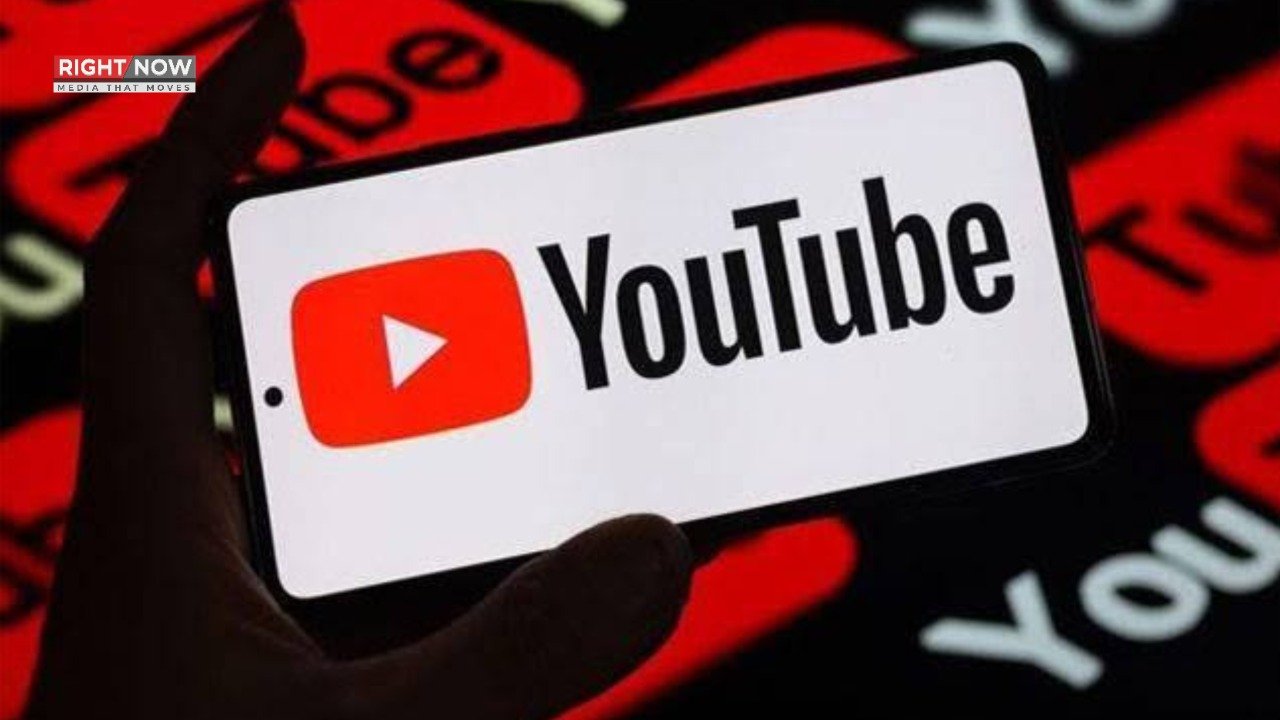
Lahore: (RightNow) YouTube introduced Shorts videos in 2020, similar to TikTok’s short videos. These videos are popular among many, but some users dislike them.
Watching Shorts videos can sometimes become addictive, leading to hours of scrolling. However, YouTube’s feed can be controlled to disable Shorts.
This feature is available in the time management settings, accessible on both Android and iOS devices. Through this, Shorts videos will not appear in the YouTube app.
To disable Shorts, open the YouTube app and click on the (You) tab at the bottom. Then go to settings and select the time management option.
It should be noted that by enabling the Shorts feed limit in time management settings and selecting 0 minutes, the Shorts section will disappear from the home feed when scrolling.